Barco · Room systems
ClickShare Hub Pro and Control Panel Kit
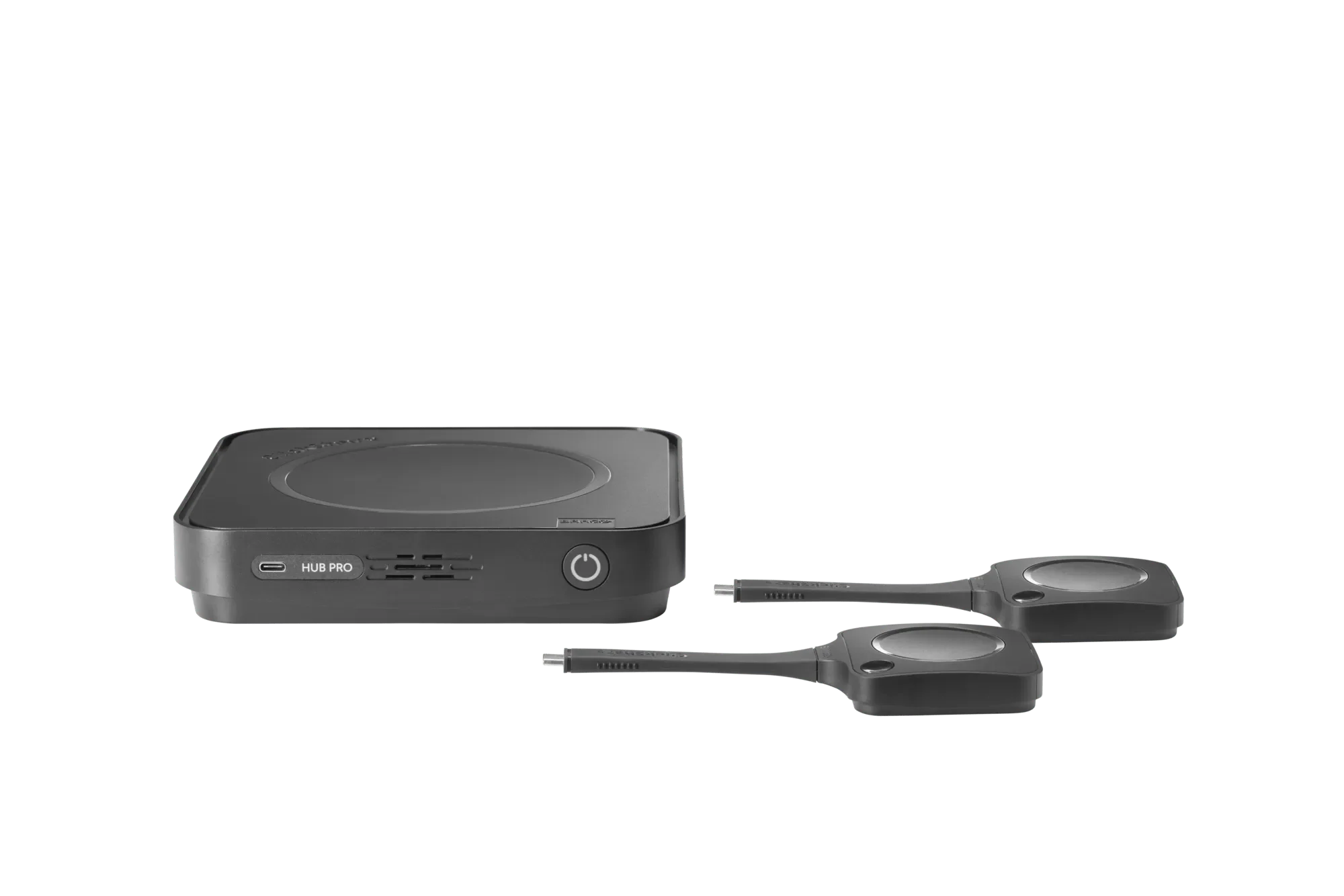
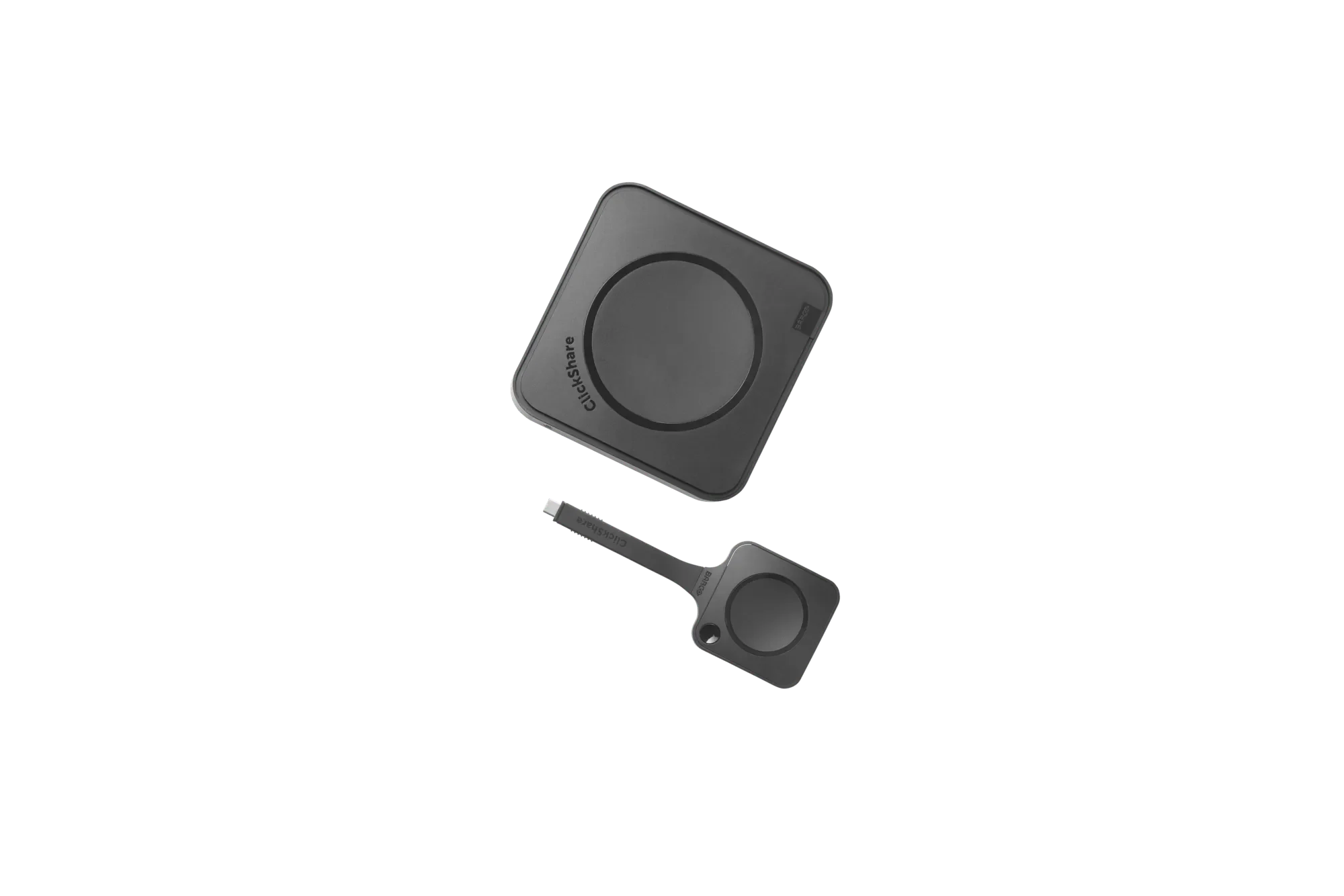
ClickShare Hub Pro with the Control Panel, two next-gen Buttons, a 2-in-1 tray and the power supply.
| Operating system | Android (Microsoft Device Ecosystem Platform) |
|---|---|
| Microsoft Teams Rooms licence | Required |
| Displays | Dual display. HDMI 1: 5120×2160 at 30 Hz. HDMI 2: 3840×2160 at 30 Hz. Control Panel: 1280×800 at 60 Hz. |
| ClickShare Buttons | 2 × ClickShare Button, 5th generation (Wi-Fi 6E, USB-C DisplayPort) |
| Sources on screen | 1 |
| Wireless | IEEE 802.11 a/b/g/n/ac/ax/be and Bluetooth 5.3. 2.4, 5 and 6 GHz. |
Request business pricing
Your quote confirms the model, quantity and total cost. No account is needed.
WhatsApp about this model · No account needed to enquire.
Check the fit before you choose
ClickShare Hub Pro and Control Panel Kit is the Hub Pro room system with the Control Panel included. Participants start a hybrid meeting with one tap on the panel, and share 4K content from two next-gen ClickShare Buttons. It supports two displays, a 2-in-1 Button tray, and bring-your-own-device meetings from a Microsoft Teams Room. It is built on the Microsoft Device Ecosystem Platform (MDEP) and is certified for Microsoft Teams when bundled with specific AV devices.
The job
Who uses it, and what it needs to do.
The environment
Sites, compatibility and how it connects.
What you have now
The system it replaces or joins.
Send us these details
- Where it will be used
- What it needs to work with
- New setup or replacement
- Quantity and any accessories
Equipping more than one room with ClickShare? Post the rollout as a requirement. Meeting rooms →
Hardware and licensing, clearly scoped.
Product
The model, quantity and what is included.
Subscription
Barco lists a Microsoft Teams Rooms licence as required. The room is certified for Microsoft Teams when this kit is bundled with specific AV devices.
Price, tax and any term are confirmed on the quote.
Deployment & support
3-year standard manufacturer warranty. Usually ships in 5-7 business days · confirmed on your quote
Technical specifications
Published specifications for this model.
Interfaces & connectivity
| Wireless | IEEE 802.11 a/b/g/n/ac/ax/be and Bluetooth 5.3. 2.4, 5 and 6 GHz. |
|---|
Dimensions & power
| Dimensions | Base unit 37 × 180 × 180 mm (H × W × D) |
|---|
Other details
| Operating system | Android (Microsoft Device Ecosystem Platform) |
|---|---|
| Microsoft Teams Rooms licence | Required |
| Displays | Dual display. HDMI 1: 5120×2160 at 30 Hz. HDMI 2: 3840×2160 at 30 Hz. Control Panel: 1280×800 at 60 Hz. |
| ClickShare Buttons | 2 × ClickShare Button, 5th generation (Wi-Fi 6E, USB-C DisplayPort) |
| Sources on screen | 1 |
| Range | Up to 30 m (100 ft) between Button and base unit |
| Management | XMS Cloud |
| Warranty | 3 years standard |
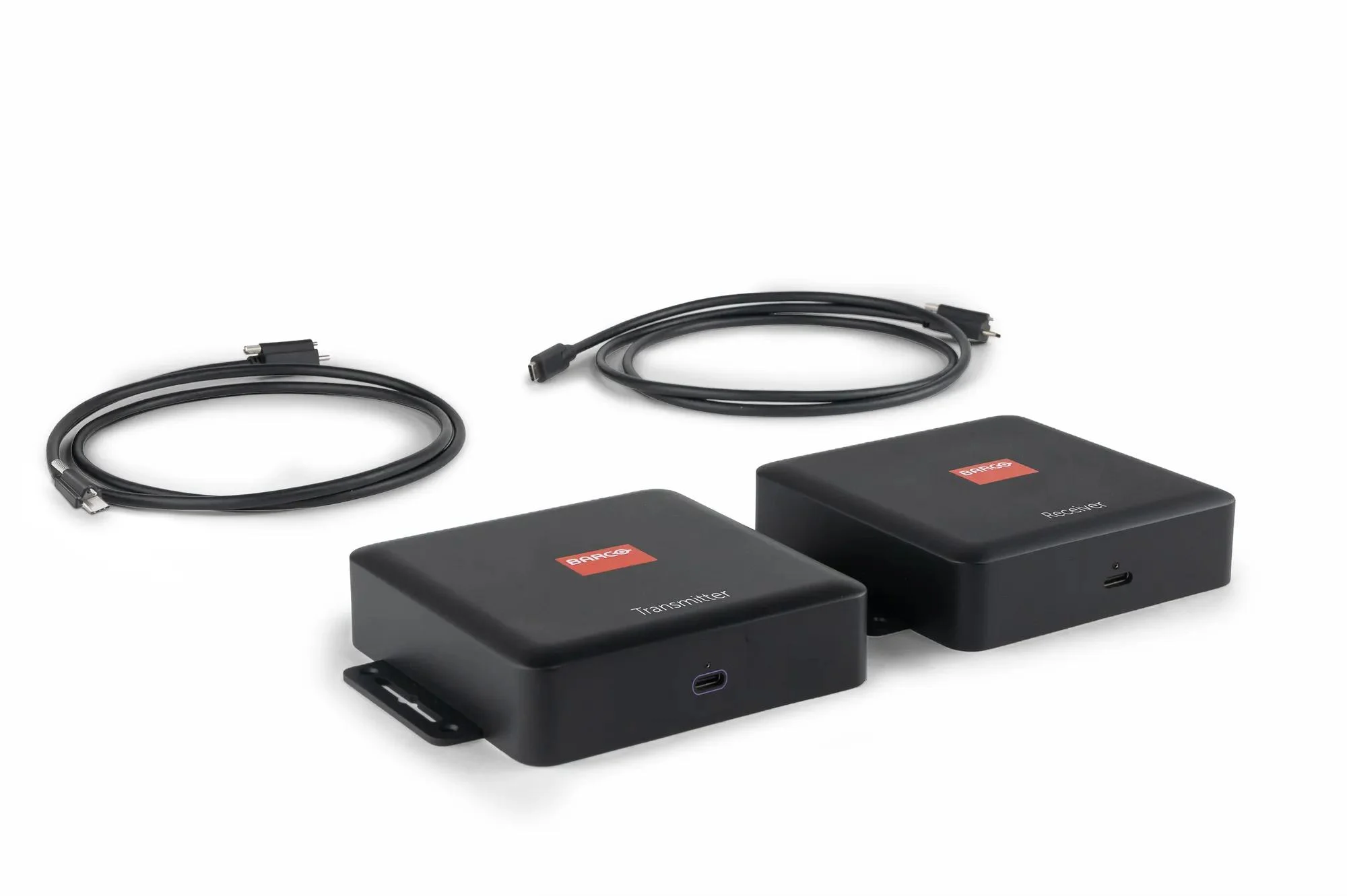
| In the box | Hub Pro base unit, 2 ClickShare Buttons (5th gen), Control Panel, 2-in-1 tray, 10 m USB-C cable, mounting plate, round base, screw pack, USB-C cable lock, power cord, power supply, mounting disc and setup guides |
Warranty & support
3-year standard manufacturer warranty.
Delivery & fulfilment
Usually ships in 5-7 business days · confirmed on your quote Delivery charges, when they apply, are on the quote.
Downloads
Frequently asked questions
How is this different from ClickShare Hub Pro?
This kit includes the ClickShare Control Panel, a 2-in-1 Button tray, a 10 m USB-C cable and the power supply. The Hub Pro base-unit package does not include the Control Panel, power cable or power cord.
Does the kit need a Microsoft Teams Rooms licence?
Yes. Barco lists a Microsoft Teams Rooms licence as required. It is certified for Microsoft Teams when bundled with specific AV devices.
Need a different configuration?
Other Barco models in this range.
Let's confirm the right ClickShare Hub Pro and Control Panel Kit configuration.
Share the requirement or the part number you need.