Barco · Wireless conferencing
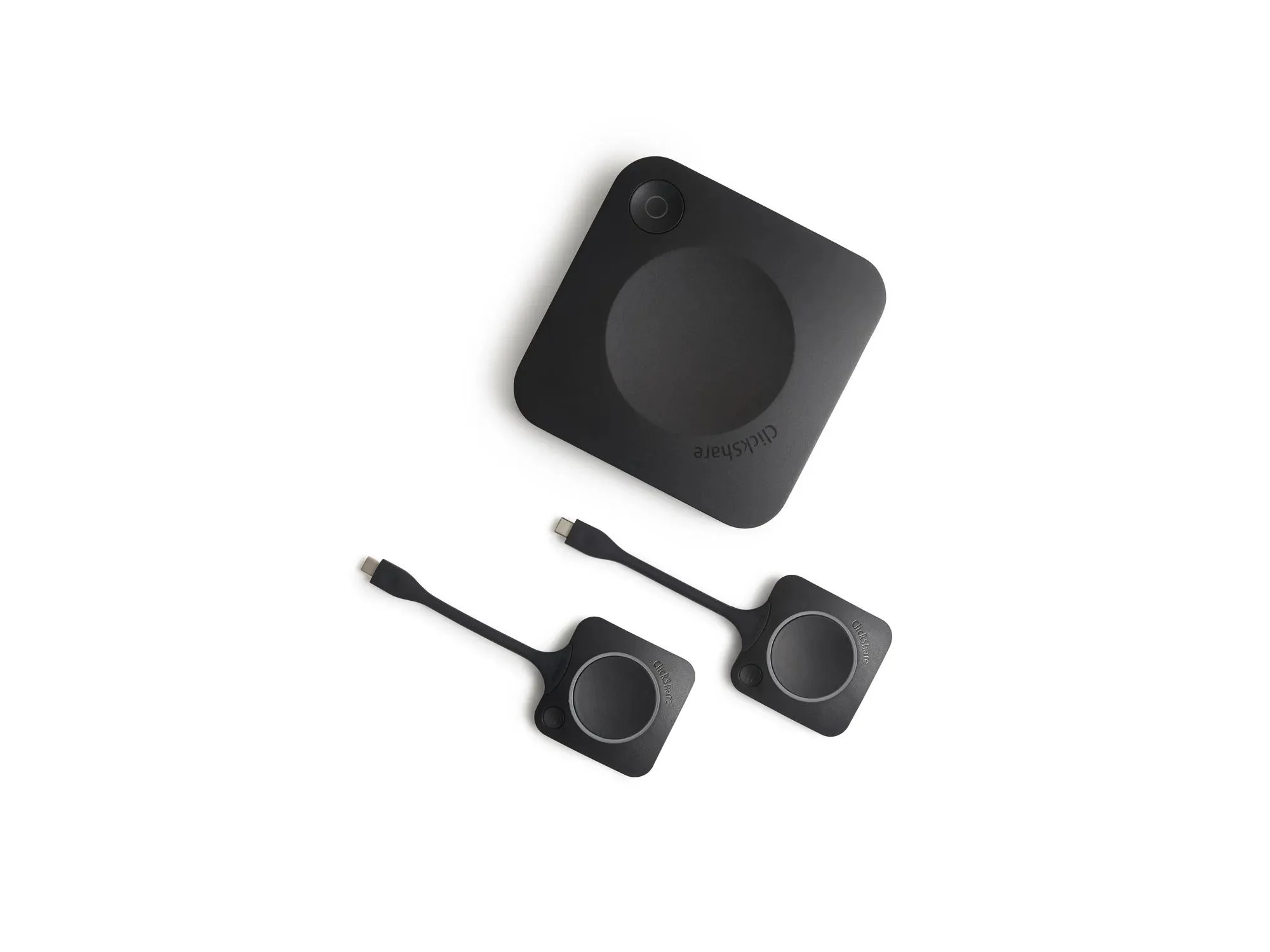
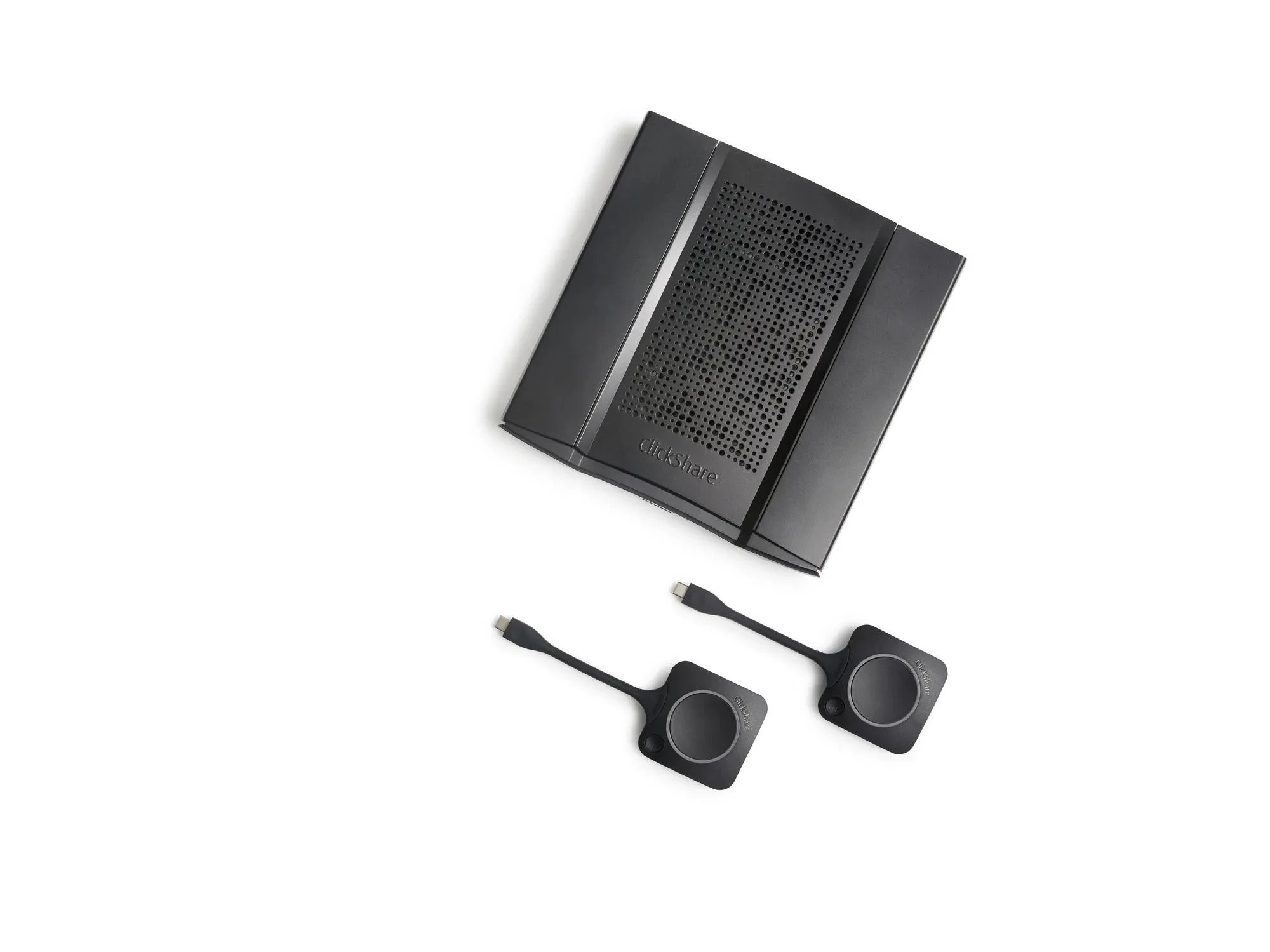
ClickShare CX-30
Wireless conferencing for medium rooms. Two Buttons, two sources on screen, with touchback and annotation.
| Weight | 900 g |
|---|---|
| Meeting room | Medium-sized rooms |
| Video output | 4K UHD (3840×2160) at 30 Hz, HDMI 1.4b. USB-C DisplayPort 1.2 is listed for Gen2. |
| ClickShare Buttons | 2 |
| ClickShare App | Desktop and mobile |
| Sources on screen | 2 |
Request business pricing
Your quote confirms the model, quantity and total cost. No account is needed.
WhatsApp about this model · No account needed to enquire.
Check the fit before you choose
ClickShare CX-30 connects a laptop to the room camera, microphones, speakers and display so a meeting can start from the laptop. Barco positions it for medium-sized meeting rooms. Two people can share at once, and the display supports touchback, annotation and blackboarding. It can be used on its own or in a room that already has Microsoft Teams or Zoom.
The job
Who uses it, and what it needs to do.
The environment
Sites, compatibility and how it connects.
What you have now
The system it replaces or joins.
Send us these details
- Where it will be used
- What it needs to work with
- New setup or replacement
- Quantity and any accessories
Equipping more than one room with ClickShare? Post the rollout as a requirement. Meeting rooms →
What the quote covers
Product
The model, quantity and what is included.
Commercials
Price, tax and any term are confirmed on the quote.
Deployment & support
1-year standard manufacturer warranty. Barco lists 5 years of coverage after the unit is registered with SmartCare. Usually ships in 5-7 business days · confirmed on your quote
Technical specifications
Published specifications for this model.
Performance & capacity
| Connections | Front: 1× USB-C and 1× USB-A. Gen2 lists USB 3.0 on those ports; earlier units list USB 2.0. |
|---|
Interfaces & connectivity
| Wireless conferencing | Via the ClickShare App or Button |
|---|---|
| Wireless | IEEE 802.11 a/g/n/ac and Bluetooth. 2.4 GHz and 5 GHz. |
Dimensions & power
| Power | 5–10 W in typical use, 24 W maximum. Mains power, or USB-C power on Gen2. |
|---|---|
| Dimensions | 34 × 135 × 135 mm (H × W × D) |
| Weight | 900 g |
Other details
| Meeting room | Medium-sized rooms |
|---|---|
| Video output | 4K UHD (3840×2160) at 30 Hz, HDMI 1.4b. USB-C DisplayPort 1.2 is listed for Gen2. |
| ClickShare Buttons | 2 |
| ClickShare App | Desktop and mobile |
| Sources on screen | 2 |
| Interactivity | Touchback, annotation and blackboarding |
| Native sharing | AirPlay, Google Cast, Miracast |
| Laptop requirements | Windows 10 and later, or macOS 11 and later. ClickShare App: Android 11 and later, or iOS 14 and later. For Teams or Zoom, Barco lists 8 GB RAM. Minimum: Intel Core i3 or AMD Ryzen 5 on Windows, or Intel Core i3 or Apple M1 on Mac. Recommended: Intel Core i5 or Ultra 5 or AMD Ryzen 7 on Windows, or Apple M3 on Mac. |
| Range | Up to 30 m (100 ft) between Button and base unit |
| Network | LAN and Wi-Fi. 1× Ethernet, 1 Gbit. |
| Noise | Max 25 dBA from 0–30°C; max 30 dBA from 30–40°C |
| Operating conditions | 0°C to 40°C (max 35°C at 3,000 m). Humidity 0–85% non-condensing. |
| Security | Kensington lock. WPA2-PSK. FCC/CE. |
| Local view | Yes |
| Management | Yes, including XMS Cloud |
| Eco label | Barco A++ |
| Warranty | 1 year standard. 5 years of coverage after SmartCare registration. |
Warranty & support
1-year standard manufacturer warranty. Barco lists 5 years of coverage after the unit is registered with SmartCare.
Delivery & fulfilment
Usually ships in 5-7 business days · confirmed on your quote Delivery charges, when they apply, are on the quote.
Downloads
Frequently asked questions
How is CX-30 different from CX-20?
CX-30 is for medium rooms. It shows two sources at once, includes two Buttons, and adds touchback, annotation and blackboarding. CX-20 shows one source and has one Button.
What is different on Gen2?
Barco lists USB-C display output, USB-C power, and USB 3.0 front ports for Gen2. The rest of the CX-30 specification is shared.
Need a different configuration?
Other Barco models in this range.
Let's confirm the right ClickShare CX-30 configuration.
Share the requirement or the part number you need.